
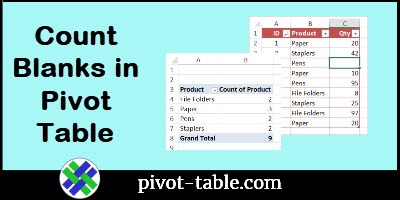
This short video shows how to build an Excel pivot table that calculates a correct count, even if there are blank cells in the source data table.
Author: Debra
Pivot Table Number Format Used Most Often
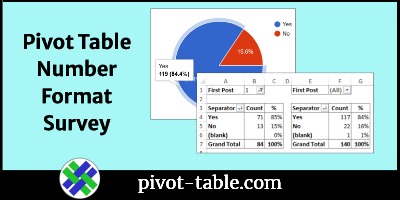
After you add number fields to a pivot table’s Values area, you can format those numbers. To find out which number formats are used most often, I did a 3-question survey. Thanks to everyone who replied, and these charts show the results of that survey, compiled on two different dates.
Continue reading “Pivot Table Number Format Used Most Often”
Excel Sample Data for Pivot Table Testing
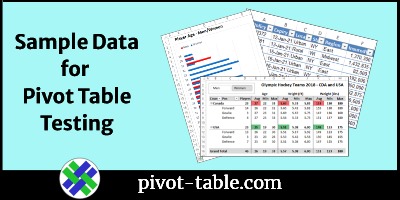
There are sample Excel files on my Contextures site, with data you can use for testing, or demos. The original sample file has sales data for a fictional office supply company. I’ve added more files recently, so see if they’ll be helpful to you too.
Continue reading “Excel Sample Data for Pivot Table Testing”
Excel Data Model Pivot Table Refresh Error
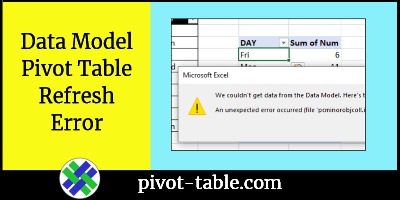
A simple data change can cause a strange pivot table refresh error, if you added the data to the Data Model. The long error message starts with, “We couldn’t get data from the Data Model. Here’s the error message we got”. It also mentions “function PCMinorObjectCollection”, which I’d never heard of before. See what causes this problem, and how to fix it.
Continue reading “Excel Data Model Pivot Table Refresh Error”
Pivot Table from Visible Rows in List
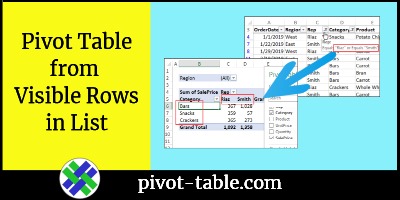
When you create a pivot table in Excel, it includes all the source data, even if some rows were hidden by filtering. However, if you’re using a version of Excel that has the new Spill (dynamic) functions, you can try this technique, to create a pivot table from filtered list visible rows only
Refresh All Pivot Caches with Excel Macro

Instead of manually updating all the pivot tables in your workbook, use a macro to do the job quickly. This macro tries to refresh all the pivot caches in the active workbook. If the macro can’t refresh a pivot cache, it will show you a message with the pivot cache index number, and the error description.
Continue reading “Refresh All Pivot Caches with Excel Macro”
Value Group Slicer for Excel Pivot Table
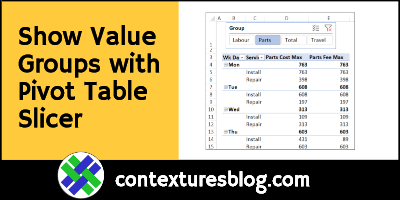
Click a pivot table Slicer, to quickly show and hide groups of values. This value group slicer technique saves time and space, when there are lots of numeric fields in your source data table.
Create and Filter Two Pivot Tables on Excel Sheet
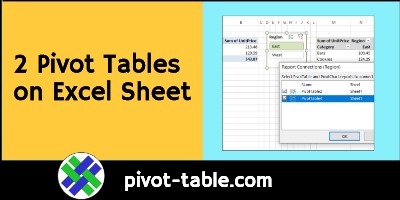
Usually, it’s best to set up your Excel file with one pivot table per sheet, so you don’t have to worry about them overlapping. However, if you need to see them side by side, here’s how you can create and filter two pivot tables on an Excel sheet, based on the same source data.
Continue reading “Create and Filter Two Pivot Tables on Excel Sheet”
Connect Excel Slicers to Multiple Pivot Tables

If you create two or more pivot tables from the same source data (pivot cache), you can connect them to the same Excel Slicers. That will make it easy to filter all the connected pivot tables at the same time.
Continue reading “Connect Excel Slicers to Multiple Pivot Tables”
Analyze Sales with Excel Pivot Table Running Total Percent
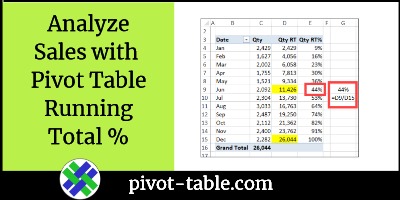
In Excel 2010 and later versions, you can use the % Running Total calculation, to show the current running total amount, divided by the grand total. This video shows how to analyze sales, from month to month, with the % Running Total In calculation in an Excel pivot table. Continue reading “Analyze Sales with Excel Pivot Table Running Total Percent”