
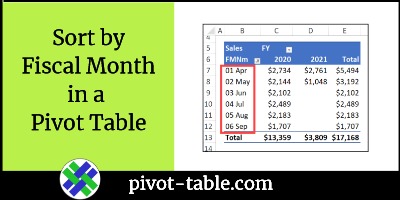
Does your business have a fiscal year that starts in a month other than January? In a pivot table, there’s no built-in way to group or sort the dates by their fiscal month number. See how to calculate those numbers in the source data, and then sort the data by fiscal month in a pivot table, with the month name included. Continue reading “Sort by Fiscal Month in a Pivot Table”
Author: Debra
Excel Pivot Table Shortcut to Expand and Collapse
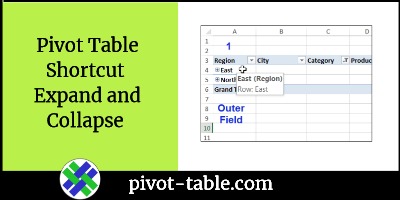
After you set up a pivot table, you can use the plus and minus buttons to show or hide the pivot table details. For example, hide details for the East region, so only its totals are showing, and leave all the West region details visible. Do you know the pivot table shortcut to expand and collapse the details? Keep reading, to see a quick and easy way to do this. Continue reading “Excel Pivot Table Shortcut to Expand and Collapse”
Pivot Makes Me Think of Ross From Friends

How many times have you heard someone say, “Pivot makes me think of Ross from Friends”? If you make lots of pivot tables in Excel, you’re probably tired of hearing that from your co-workers, right? Well, this little Easter egg might brighten your day!
Continue reading “Pivot Makes Me Think of Ross From Friends”
Excel Macro Keeps One Pivot Item Collapsed
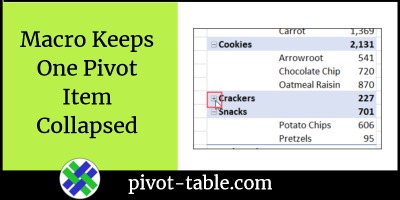
Someone asked me if it’s possible to prevent one item in a pivot table from being expanded, to show its details. They wanted all the other items to be expandable though. There’s nothing built in that will allow this, so I had to use programming instead. This macro keeps one pivot item collapsed in a pivot table, but doesn’t affect any other pivot items. Modify the code, to use the pivot field and pivot item names in your pivot table. Continue reading “Excel Macro Keeps One Pivot Item Collapsed”
Fix Pivot Item Captions in Excel
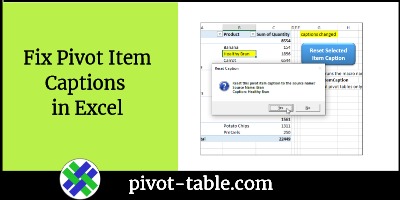
Why would a pivot table show the wrong information? In the example below, a couple of the product names are wrong. If you run into a similar pivot table problem, how can you fix pivot item captions in Excel, so they display the correct information again?
Contextures Pivot Power Free Add-in Update
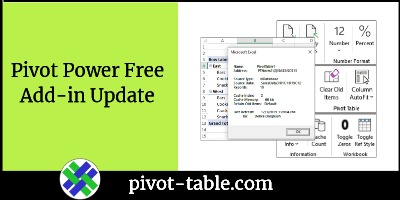
A new version of my Excel Pivot Power Free add-in is available. There’s one new feature, a fix, and a couple of minor changes in the background.
Continue reading “Contextures Pivot Power Free Add-in Update”
Hide Excel Pivot Table Buttons and Labels
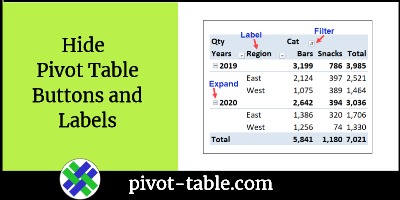
If you want to prevent accidental changes to a pivot table’s layout, you can hide the pivot table buttons and labels. There are a few benefits from doing that. Continue reading “Hide Excel Pivot Table Buttons and Labels”
How to Show Rank in an Excel Pivot Table
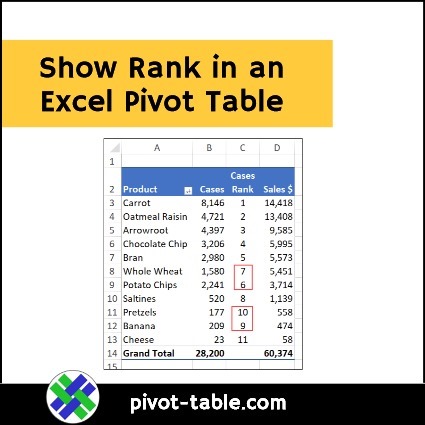
A pivot table makes it easy to summarize a large amount of data, to see how your business is doing. But big numbers are hard to analyze at a quick glance. To make things clearer, you can show rank in an Excel pivot table, as well as the large numbers.
Quickly Remove a Pivot Table Field in Excel
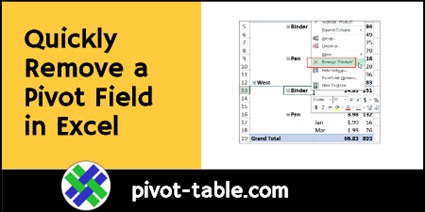
Here’s a quick tip that shows how to remove a pivot table field in Excel. A very short video shows the steps, and there are written steps too, below the video.
Continue reading “Quickly Remove a Pivot Table Field in Excel”
Connect Slicer to Multiple Pivot Tables
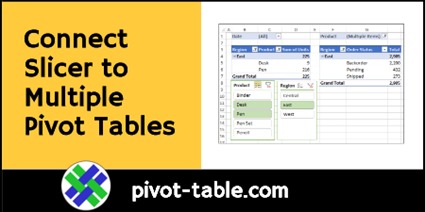
For a quick way to filter an Excel Pivot Table, you can insert a Slicer, for one or more of the pivot table fields. You can also connect Slicer to multiple pivot tables, if all the pivot tables use the same pivot cache.